 Glimpse Media
 Glimpse Launcher
A home screen for Android, free with no adverts.
Glimpse Launcher is a fast, tidy home screen you can make your own.
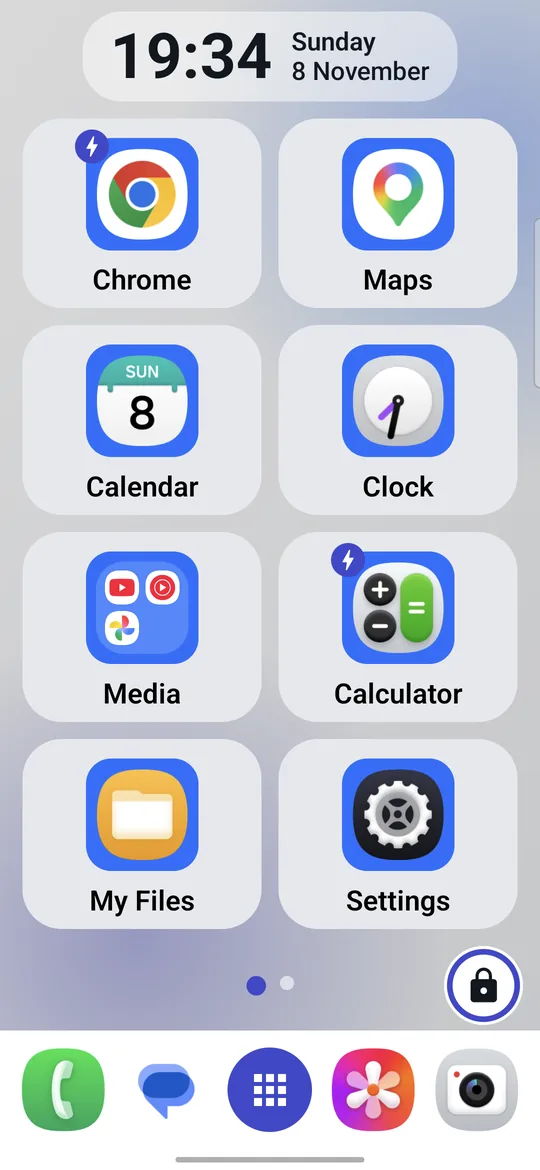
Choose big tiles or a dense grid, hide the names if you like icons only, and keep your layout safe behind a padlock, with a PIN if you want one.
Take A Look
What You Get
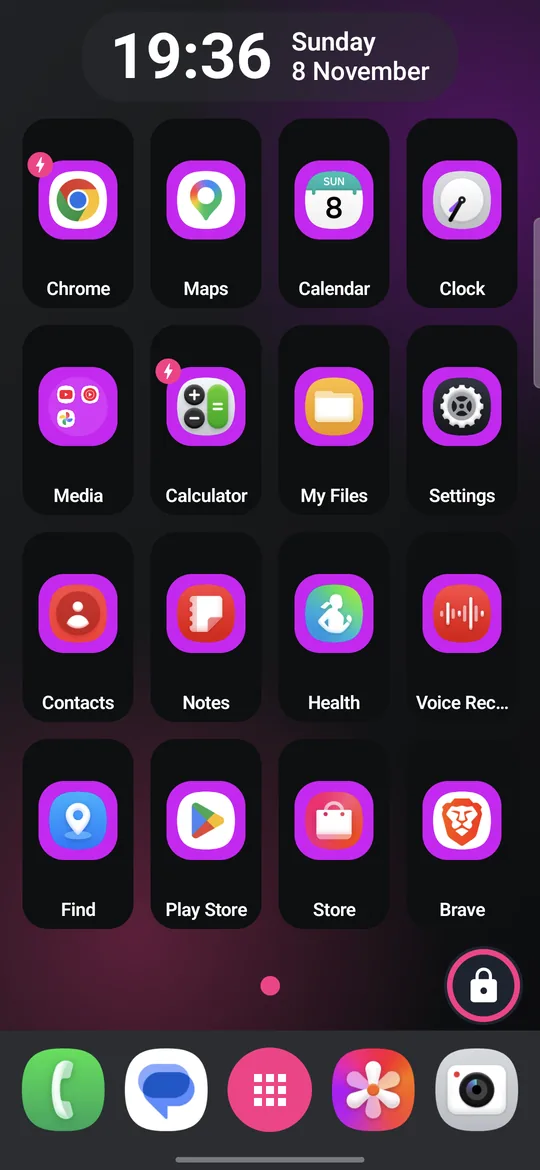
- Your grid. 2 × 4 big tiles or 4 × 4 compact ones a screen. Switching keeps the order of your apps; folders and widgets come along.
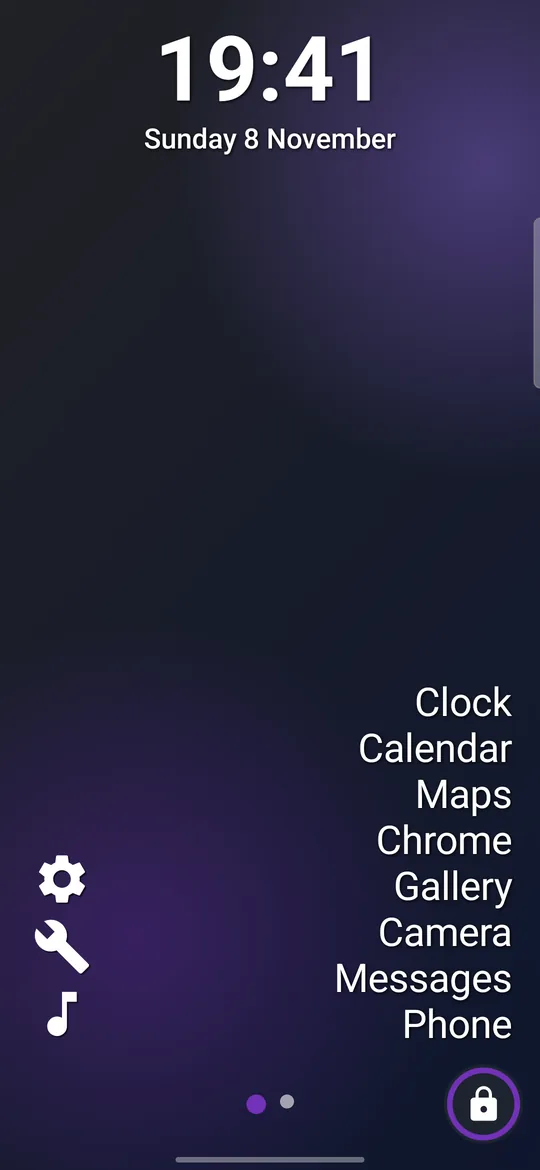
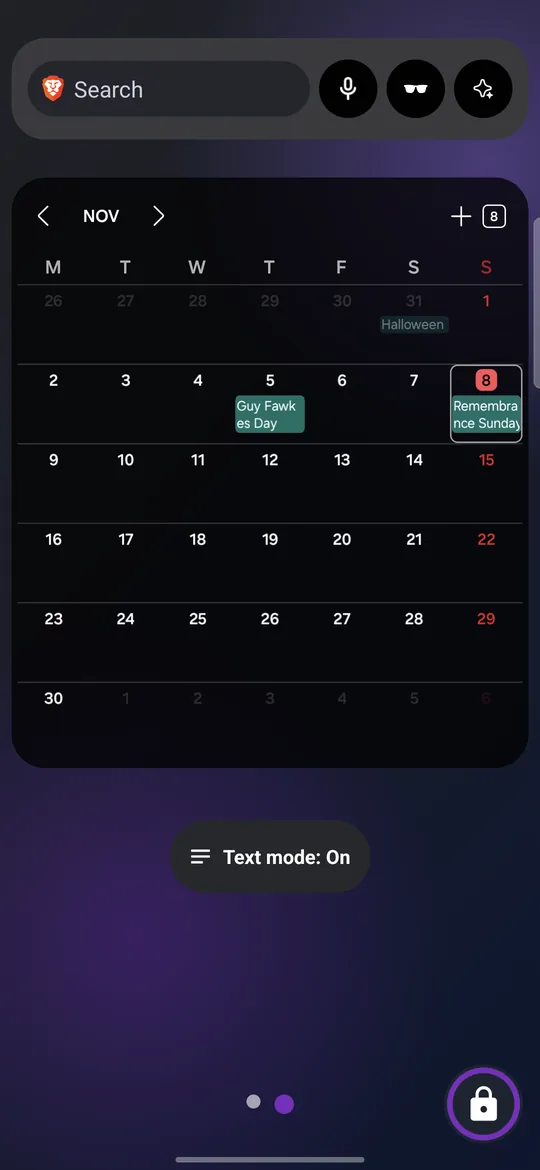
- Text mode. Swap the tiles for one calm screen of app names, with a simple clock at the top and mono folder icons, set up in Settings. Your tile screens are kept unchanged for when you switch back. Text mode has its own widgets screen, and the Text mode switch widget swaps modes with one touch.
- Names on or off. Separate switches for the names on the tiles and in the bottom bar.
- Quick gestures. Swipe down for your notifications, swipe up for All apps.
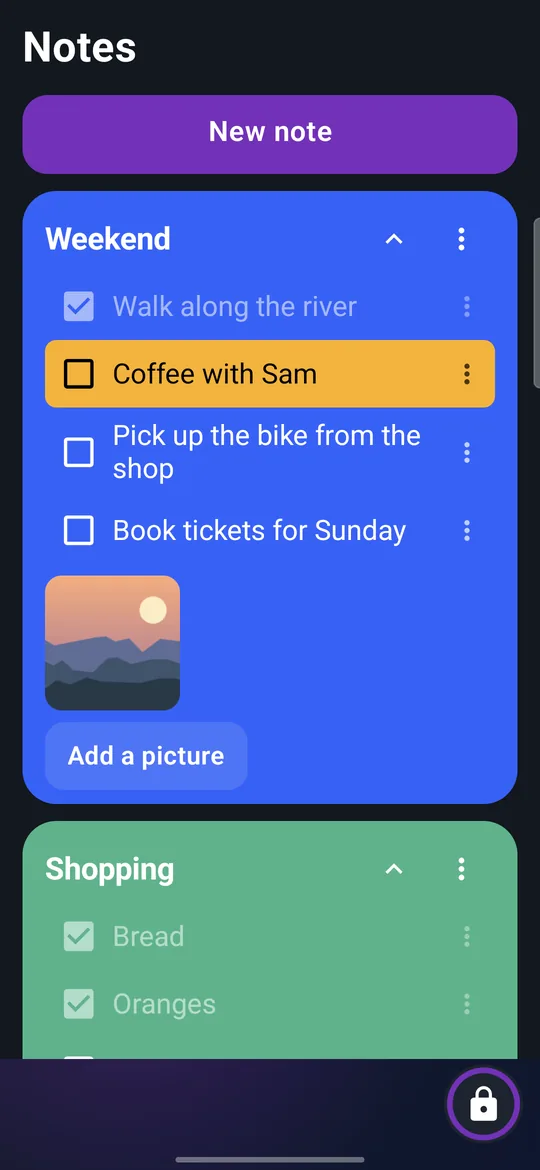
- Notes, one swipe away. Swipe right for coloured note cards with tick-box lines, colour bands and pictures. Share a note, fold it to a summary, or keep the notes behind your PIN. Kept only on your phone.
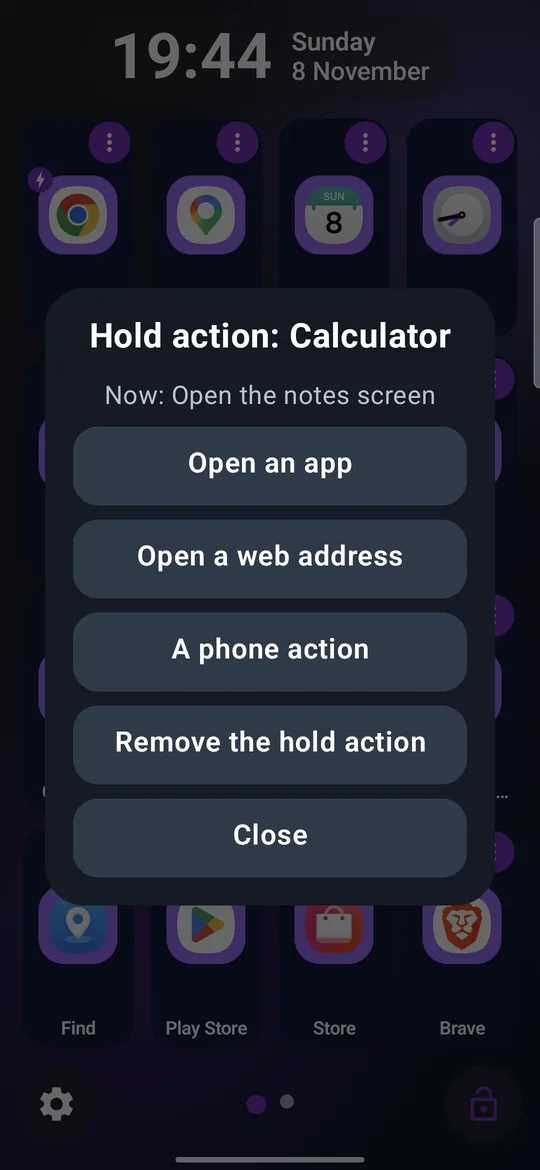
- Hold actions. Give any tile a second job: hold it (while locked) to switch the torch, open a web page, call or text a number, open another app, or jump to a settings page such as Wi-Fi.
- A padlock that means it. Hold it for three seconds to unlock and rearrange; tap to lock. Add a 4 to 8 digit PIN if you like: five wrong tries pause the pad for 30 seconds, and a forgotten PIN is reset with the phone's own screen lock.
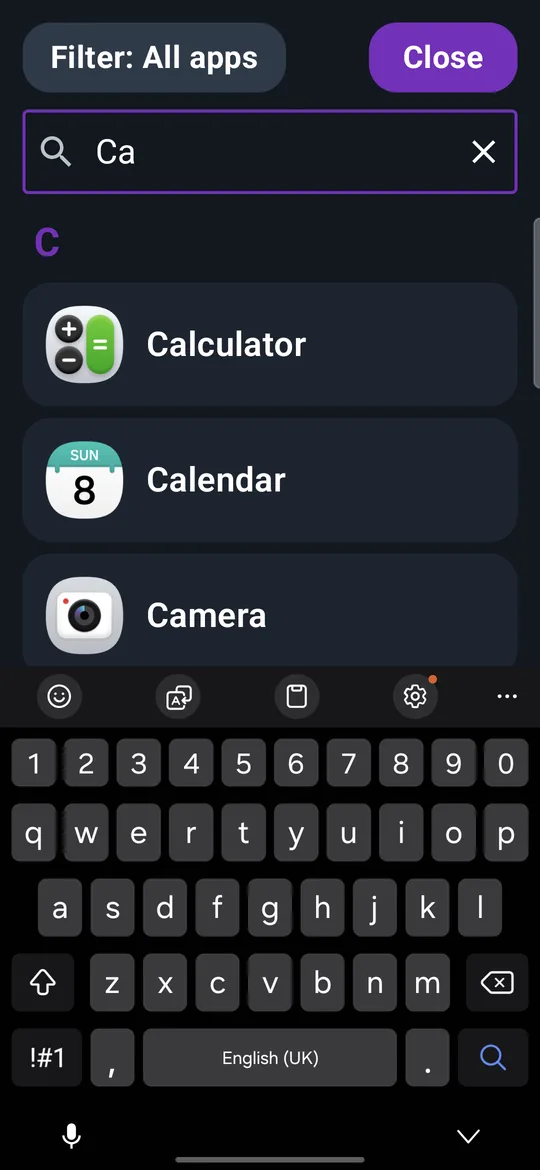
- All apps, organised. Search as you type, related apps, tags with a filter, and, when unlocked, App info and Uninstall a hold away.
- Folders. Group apps and put them in any order.
- Widgets and free layout. Live widgets in sizes that fit, and tiles in any square you choose.
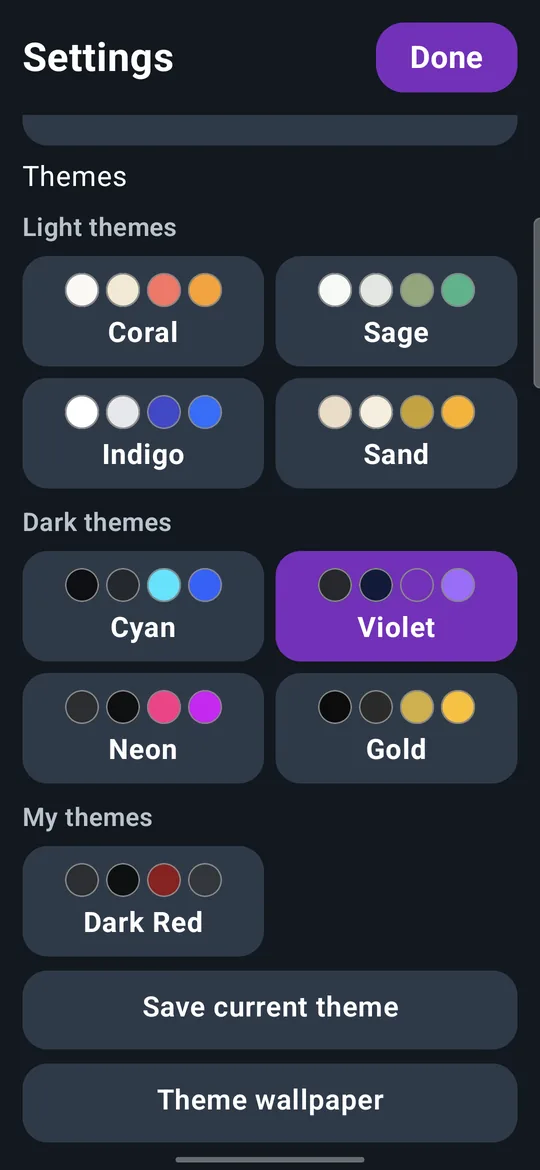
- Your colours. Eight ready-made themes (four light, four dark) with matching wallpapers drawn to fit your screen, or your own colours and transparency for the tiles, the icon squares, the bottom bar, the clock and the highlight, each one darker or lighter to taste. One tile can have its own colour.
- Clock, numbers and full screen. Three clock styles and sizes, waiting-notification counts on icons (optional), and a full-screen mode.
- An Emergency button (optional). A countdown you can cancel, then one call to the number you chose.
Private By Design
No advertisements, no accounts and no internet use. Everything you set up stays on the phone. A PIN is kept only as a scrambled hash.
How To Start
Install Glimpse Launcher, follow the five short welcome pages, and choose it as your home screen when the phone asks. You can go back to your old home screen at any time in the phone's Settings.
Questions? Write to support@glimpse-media.com.